
LetsView- Wireless Screen Cast
WangxuTech
Downloads
5,000,000+
Source
Google Play
Advertisement
Click to download now, finish the installation quickly, and directly unlock the all-round experience
Advertisement
Screenshots
Click to download now, finish the installation quickly, and directly unlock the all-round experience
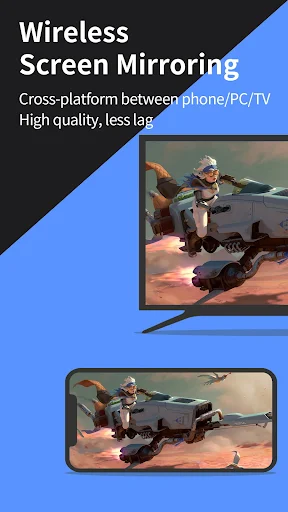
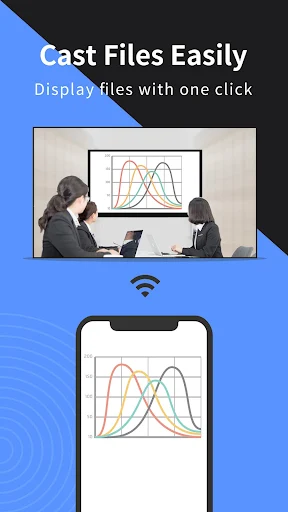
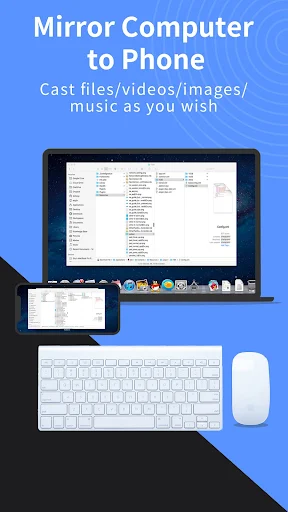
LetsView- Wireless Screen Cast is a screen-mirroring tool for people who want to show phone content on a computer or TV. It can also mirror between phones and computers, making it useful for sharing photos, videos, games or a presentation without gathering everyone around a small screen. The app is published by WangxuTech.
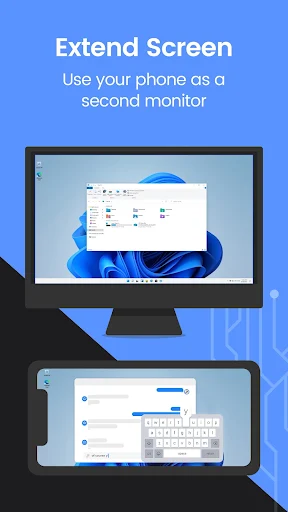
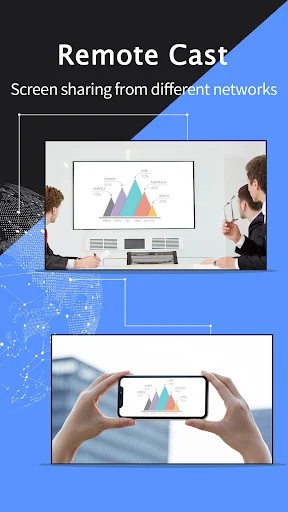
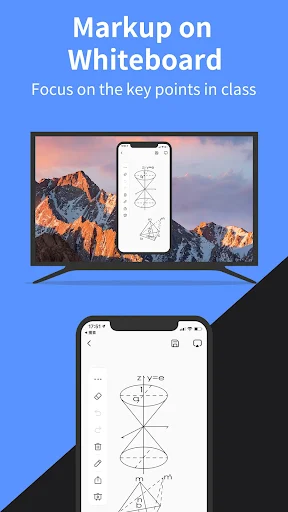
LetsView supports mirroring a phone to a Windows PC or Mac, and to a TV. Its listing also describes remote mirroring across different networks using a cast code. When a phone and computer are connected, the phone can serve as a keyboard or mouse for the computer; Windows users can also control a phone from the computer. Other listed tools include drawing, a whiteboard, document presentations, screen capture and screen recording. The range may suit both casual sharing at home and people demonstrating material to a group.
The app is in the Tools category and has 5,000,000+ installs. Its rating is 2.91 from 7,387 ratings, a notably mixed response alongside that broad reach. Those figures give useful context, but they do not explain which devices or network conditions users reviewed, or how well the app will fit a particular setup.
Choose LetsView if screen sharing between a phone, computer and TV is the main job, or if you want the extra presentation and remote-control functions in one tool. Before relying on it for a meeting or a family viewing session, check that the devices you plan to connect are supported and test the connection you intend to use. The feature list is substantial; the rating suggests experiences are not uniformly positive.