Archives on your phone
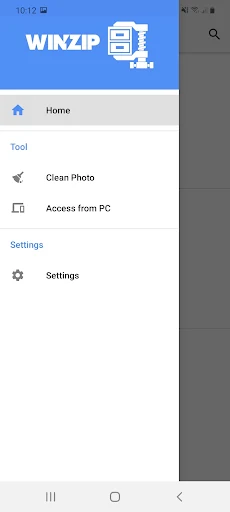
WinZip – Zip UnZip Tool helps Android users open compressed files, extract their contents and create archives to share or store. It suits people who regularly receive zipped email attachments, download archives from the web, or need to bundle photos and other files from a phone. The app is published by WinZip Computing, LLC in the Productivity category.
Work with files and folders
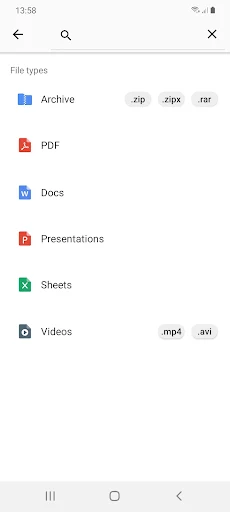
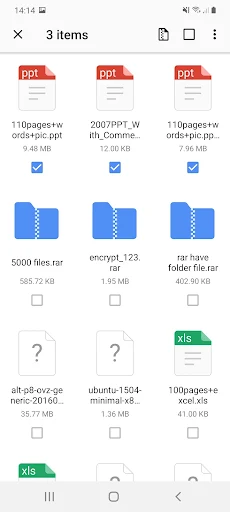
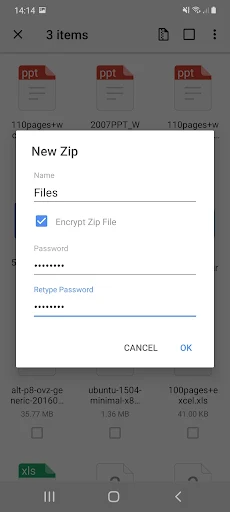
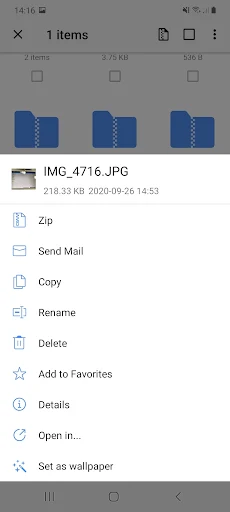
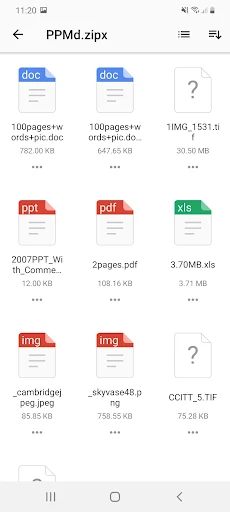
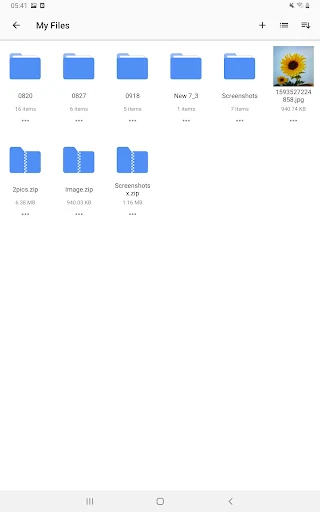
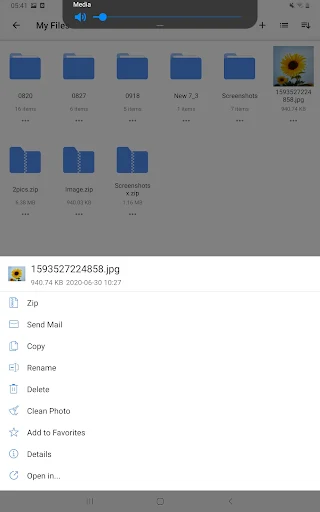
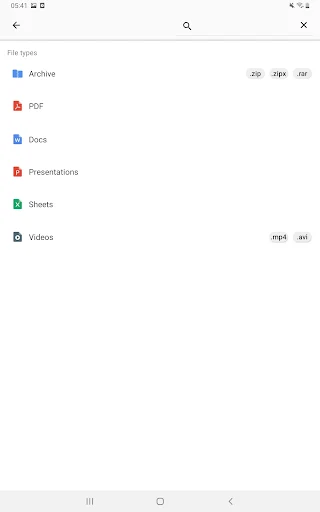
WinZip can open common archive formats and lets you browse files inside an archive, including images and documents. It can also compress photos, videos and other files into ZIP or ZIPX archives. For supported documents such as Word, Excel and PowerPoint files, it can hand them off to other apps; photos, text, web files, APKs and comic-book archives can be viewed within WinZip.
Cloud and protection options
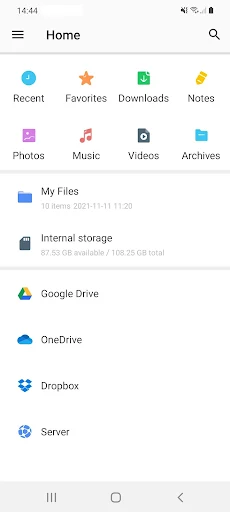
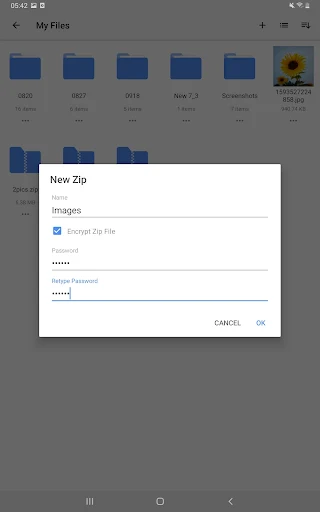
The app can connect to cloud storage accounts for working with files there, including saving extracted items or sharing links. Some tools are reserved for Premium: creating and protecting ZIP or ZIPX archives with AES encryption, direct integration with multiple cloud services, and immediate access to zip-and-email. That distinction matters if you mainly want a basic archive reader rather than cloud-based file management or protected archive creation.
Scale and user feedback
WinZip has more than 10 million installs, so it has reached a broad Android audience. Its rating is 2.72 out of 5 from 102,507 ratings, a notably mixed result alongside that reach. Those figures offer useful context when weighing a familiar archive tool against your own needs: consider whether you need only to extract files, or also want compression, cloud connections and premium protection features.